You’re going
to do great.
Here’s everything you need to know before we record together. Takes about 5 minutes to read — and less than that to prepare.
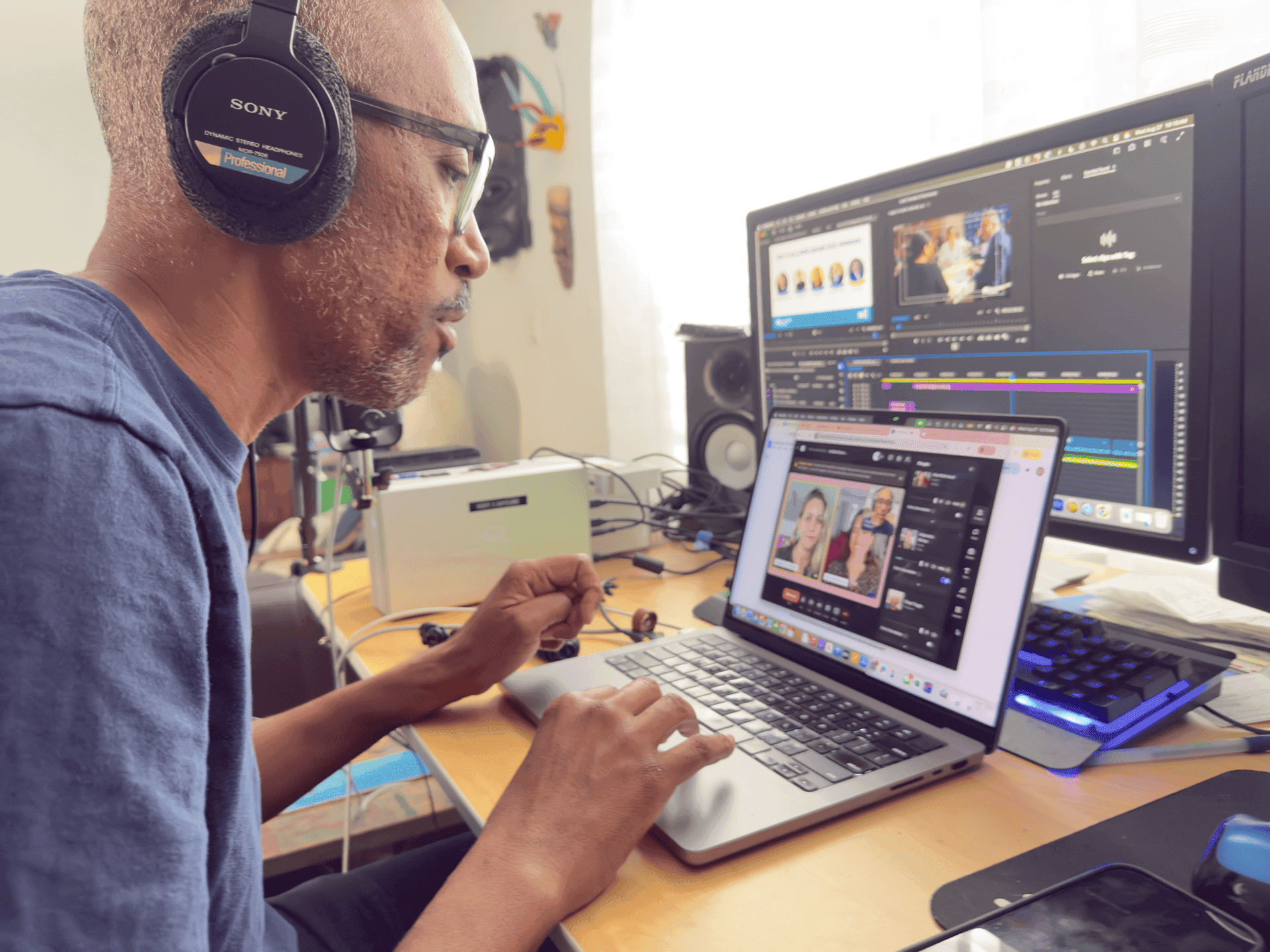
Before the call
Headphones on
Any pair works. Wired is best — wireless is fine too.
Microphone ready
USB mic is best. Wired earbuds work. Laptop mic is fine if that's all you have.
Find a quiet room
Close doors and windows. Silence your phone.
Light in front of you
Face a window or put a lamp in front of you. Never sit with a window behind you.
Camera at eye level
Stack books under your laptop if needed. Leave a little space above your head.
Close other apps
Especially Zoom or Teams. On a work laptop — turn off your VPN.
What to wear
Works well
- +Solid colors — Navy, forest, burgundy, charcoal, grey, beige
- +Matte fabrics — Linen, cotton, jersey — not shiny or reflective
- +Structured necklines — Collar, crew, or V-neck
- +Your org's logo — Totally fine to wear
Avoid
- ×Bright white or pure black — Both cause exposure problems on camera
- ×Tiny stripes or checks — They vibrate and shimmer on video
- ×Neon or strong red — Color bleeds on camera
- ×Dangling jewelry — Earrings or bracelets that jingle
Joining the session
Click the link we sent you
Check your email for a Riverside link. It opens in your browser — no app to download. Use Chrome, Safari, or Edge.
Allow mic and camera access
Your browser will ask permission. Click Allow. If you accidentally click block, tap the lock icon in your address bar and change it.
Type your name and enter
Put your headphones on, select your mic in the Settings menu if prompted. We'll do a quick sound and framing check together before we start.
We record — you just talk
We handle everything technical. Speak naturally. If we overlap or something goes wrong, we'll pause and reset. It happens all the time.
After recording
Don’t close
the tab yet.
Your recording uploads automatically — this takes about 5 minutes. Wait for “Upload Complete” on screen. We’ll confirm with you before you log off. Closing early means we lose your recording.
Something not working?
Echo or feedback
Put on headphones
Choppy video or audio
Move closer to your router, or pause downloads
Mic or camera blocked
Click the lock icon in your browser's address bar → Allow
Can't get into Riverside
Turn off your VPN, or switch to a personal device
Shirt shimmers on screen
Switch to a solid color top — stripes vibrate on camera
Face looks shiny
Tilt your light slightly higher, or use light powder
RiseWorks · Podcast Production
Want a podcast for your org?
Book a free 15-minute call to see if a podcast fits your mission.