AI Pre-Production
AI Storyboards That Actually Know Your Story
Every shoot starts with a plan — generated from your creative brief, project notes, and brand context. See your content before it's shot.
How It Works
From Brief to Storyboard in Minutes
We brief it.
Your creative block, project notes, and meeting transcripts feed the AI. It reads the context your team has already built with you.
It generates.
Story angles, scene breakdowns, and visual sketches — across 8 StoryStack templates. Multiple creative directions, instantly.
You refine.
Per-panel regeneration, reference image uploads, and one-click Premiere Pro XML export. Editors start with structure, not a blank timeline.
The Four Stages
From Story Angles to Premiere Pro
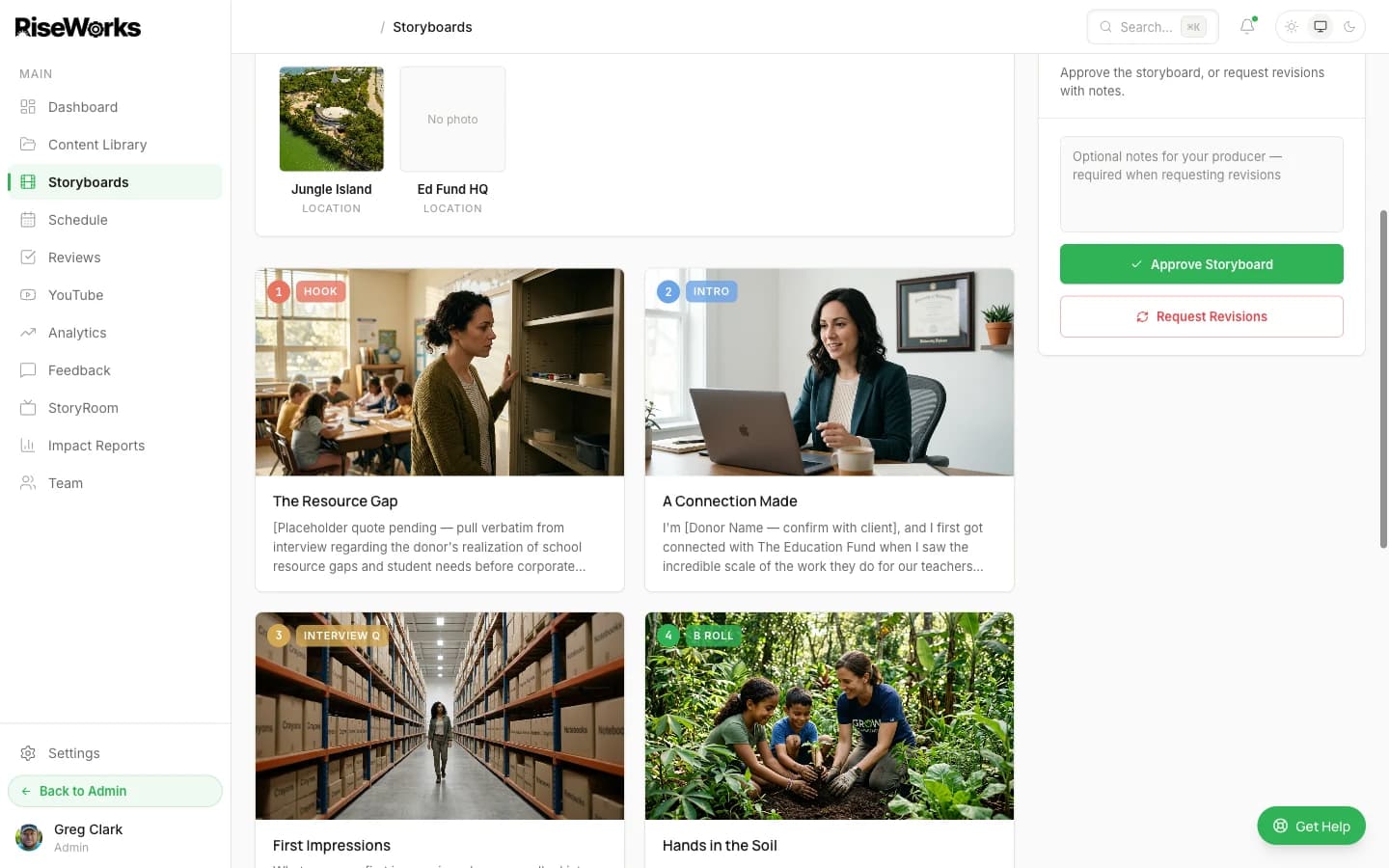
Subjects and locations pulled from your brief, matched to every panel
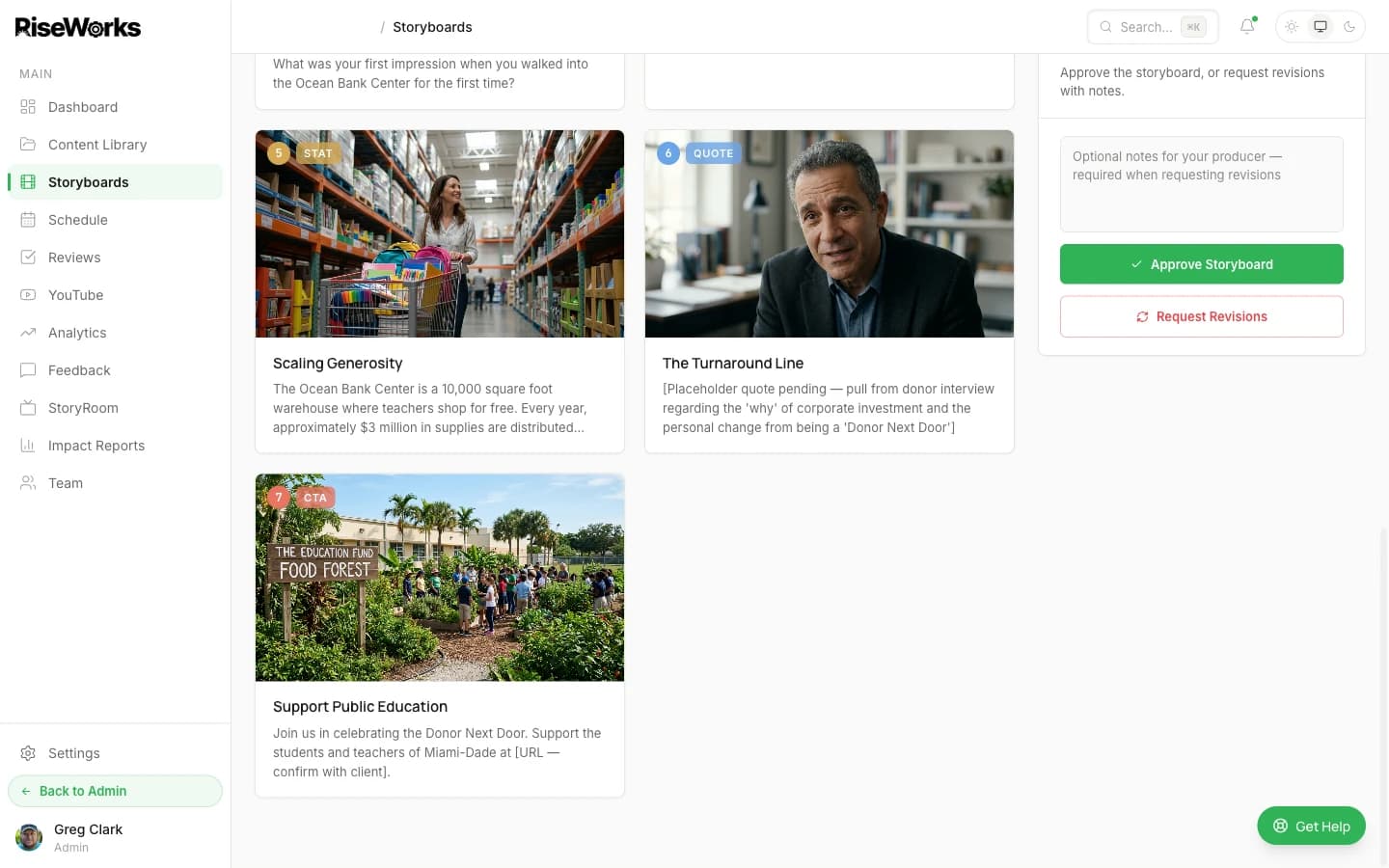
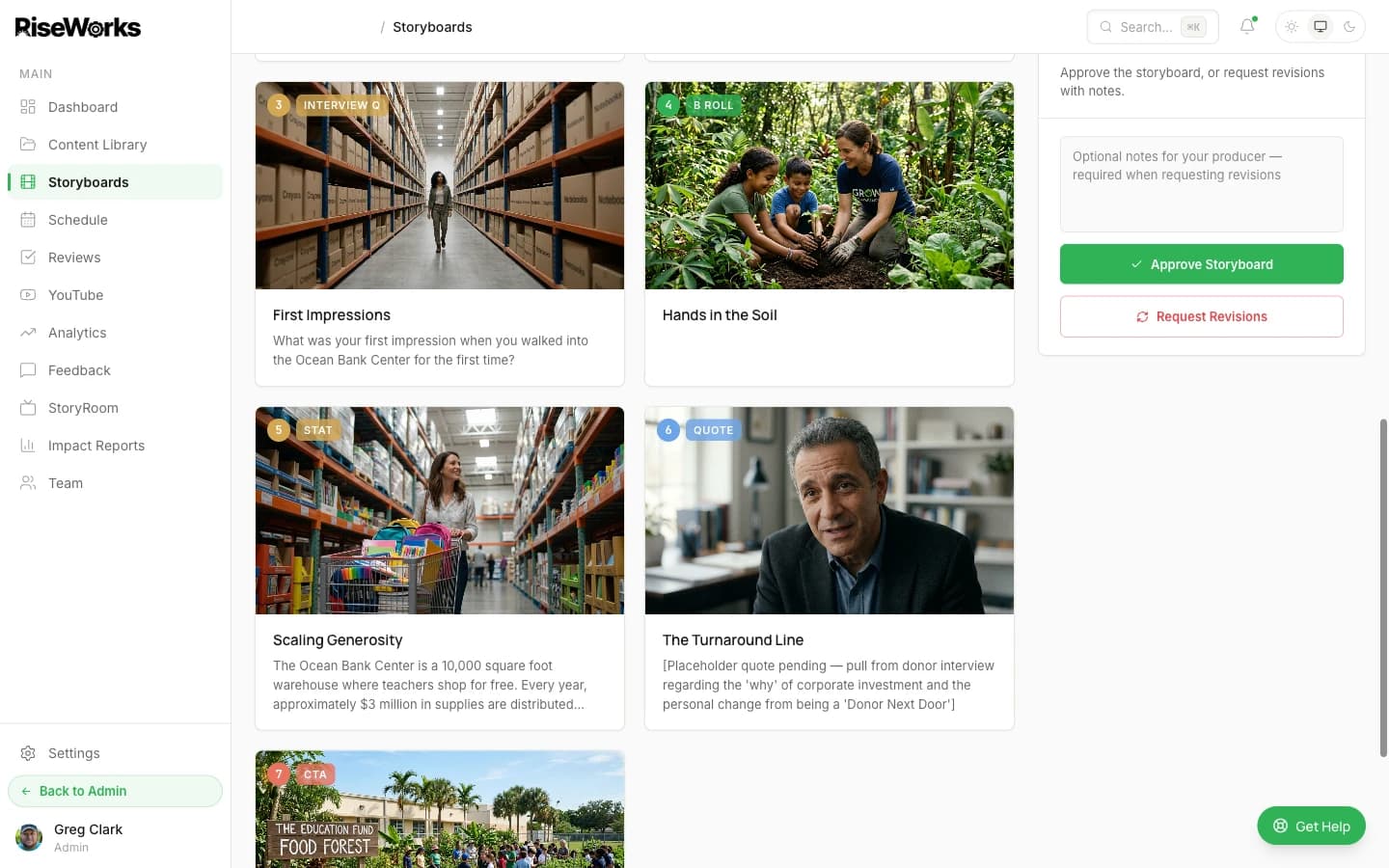
Comic-book panels with shot notes, pacing, and talent specs
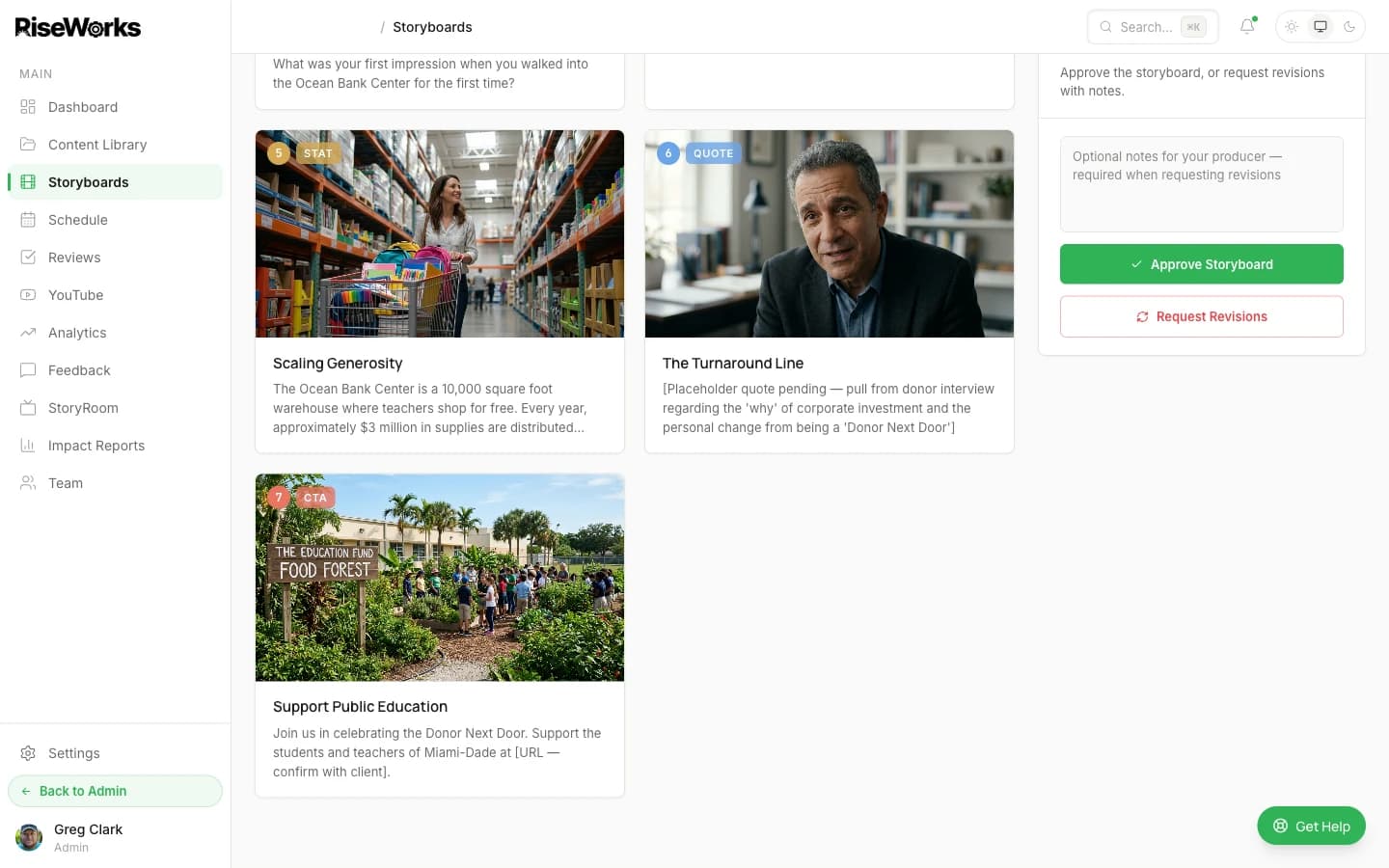
Clients approve or request revisions inline — no downloads, no email chains
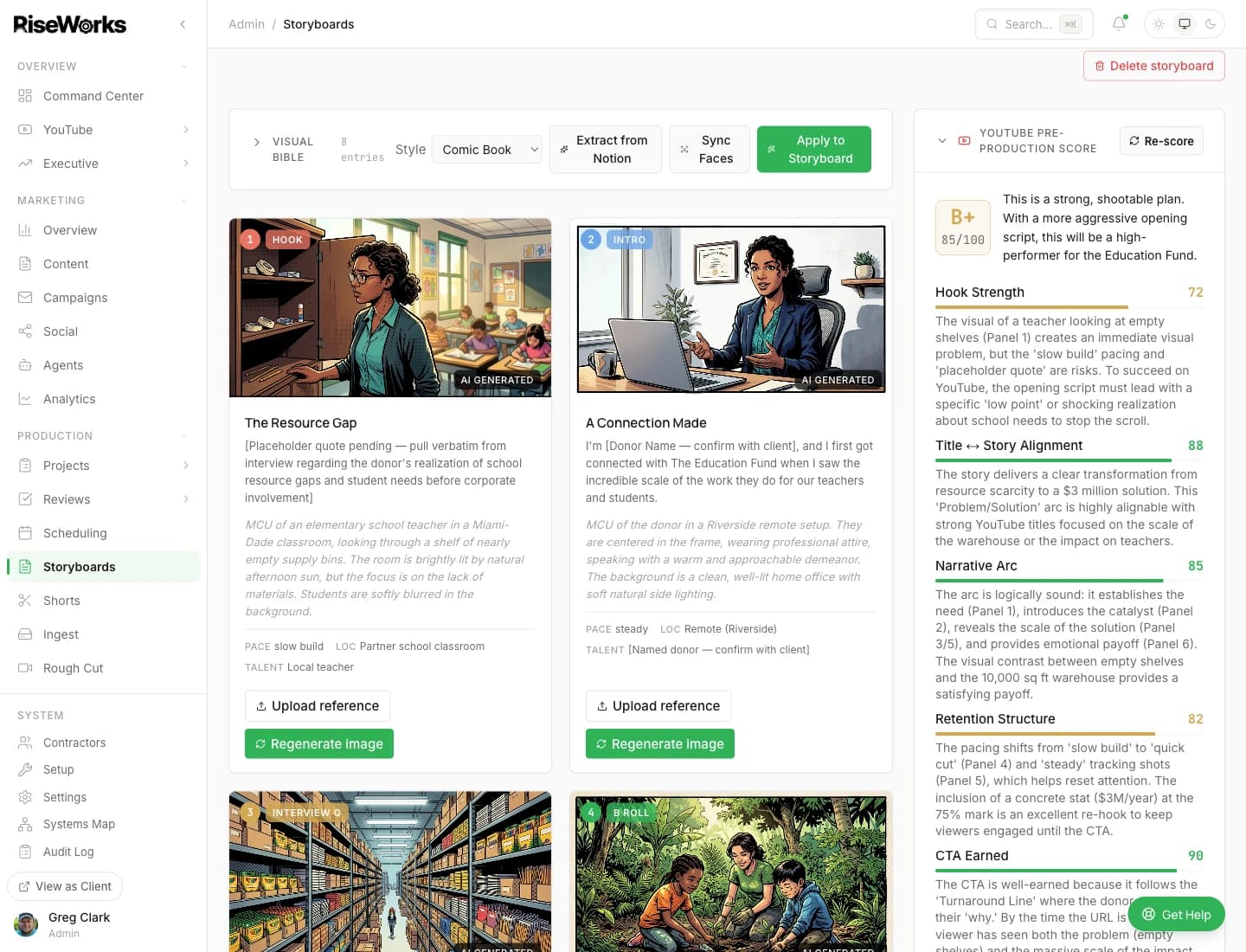
AI-graded shoot plan with Hook Strength, Narrative Arc, and CTA scores
What Makes It Different
Not Generic AI.
Grounded in Your World.
Grounded in YOUR context
Not generic AI — reads your Notion workspace, creative briefs, and brand voice to generate storyboards that reflect your actual organization.
8 StoryStack templates
Interview Show, Spotlight, Event Recap, Challenge, and more — proven formats built in, ready to storyboard.
Premiere Pro export
Exports FCP XML that opens directly in Premiere Pro. Editors start with a structured timeline, not a blank sequence.
Multimodal AI
StoryOS reads your brief and project notes for narrative structure, then generates rough sketch panels for every beat — reading story the way an editor does.
Three Visual Styles
Match Your Story to the Right Aesthetic
Every storyboard can be generated in Comic Book, Sketch, or Photorealistic style — chosen per project to fit the mood, audience, and brand.
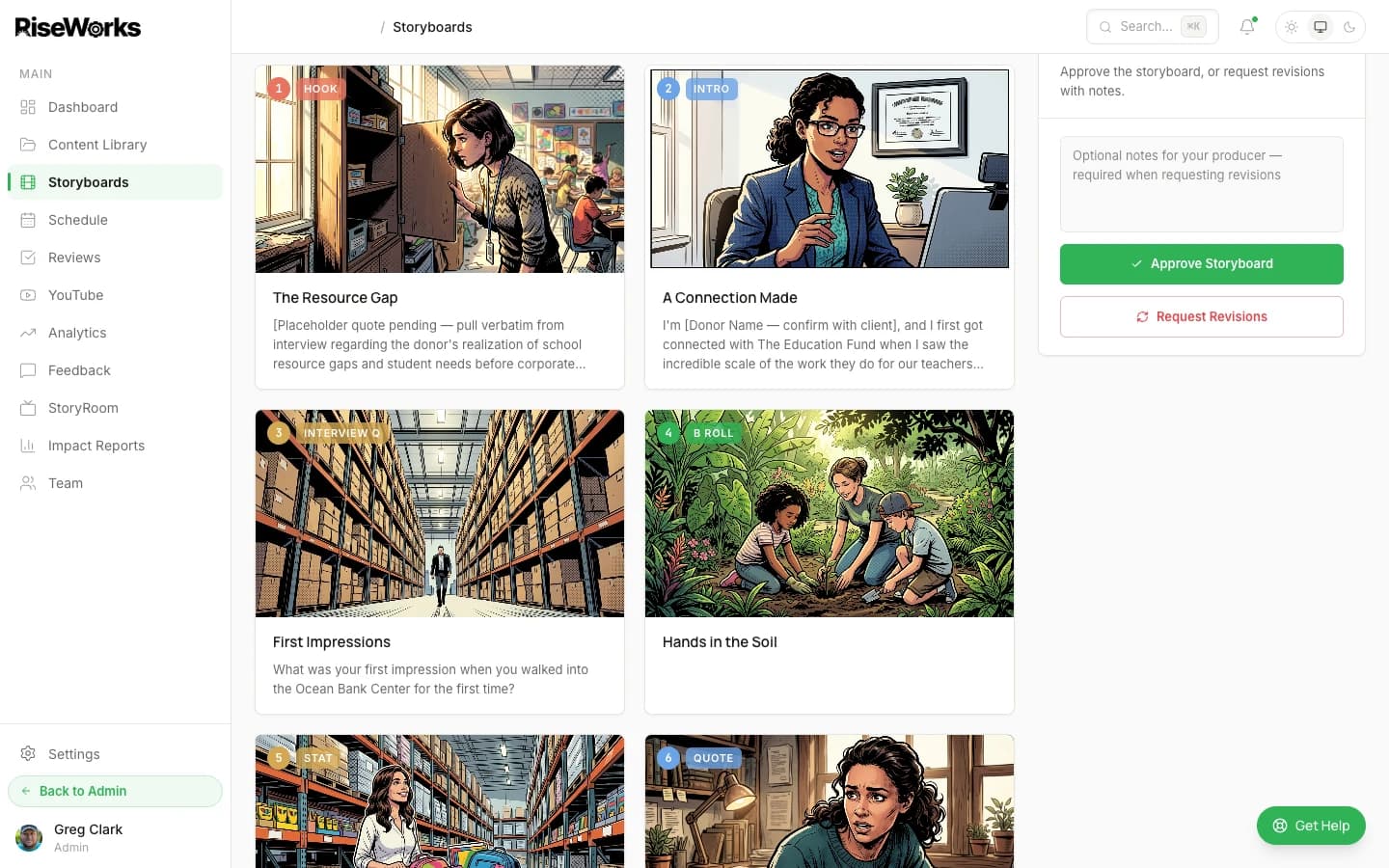
Bold, high-contrast panels for cinematic storytelling
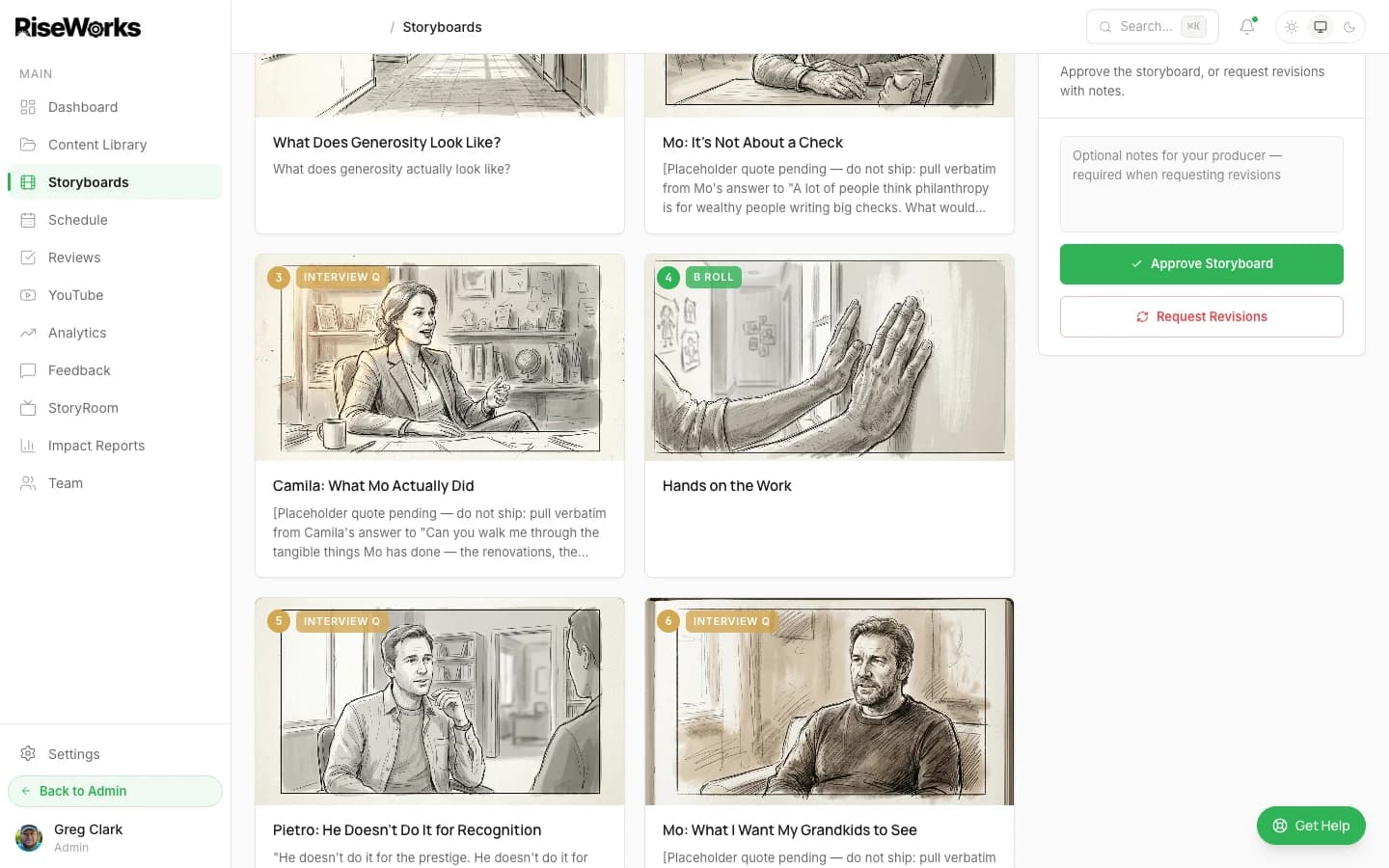
Hand-drawn pencil feel for intimate, documentary-style stories
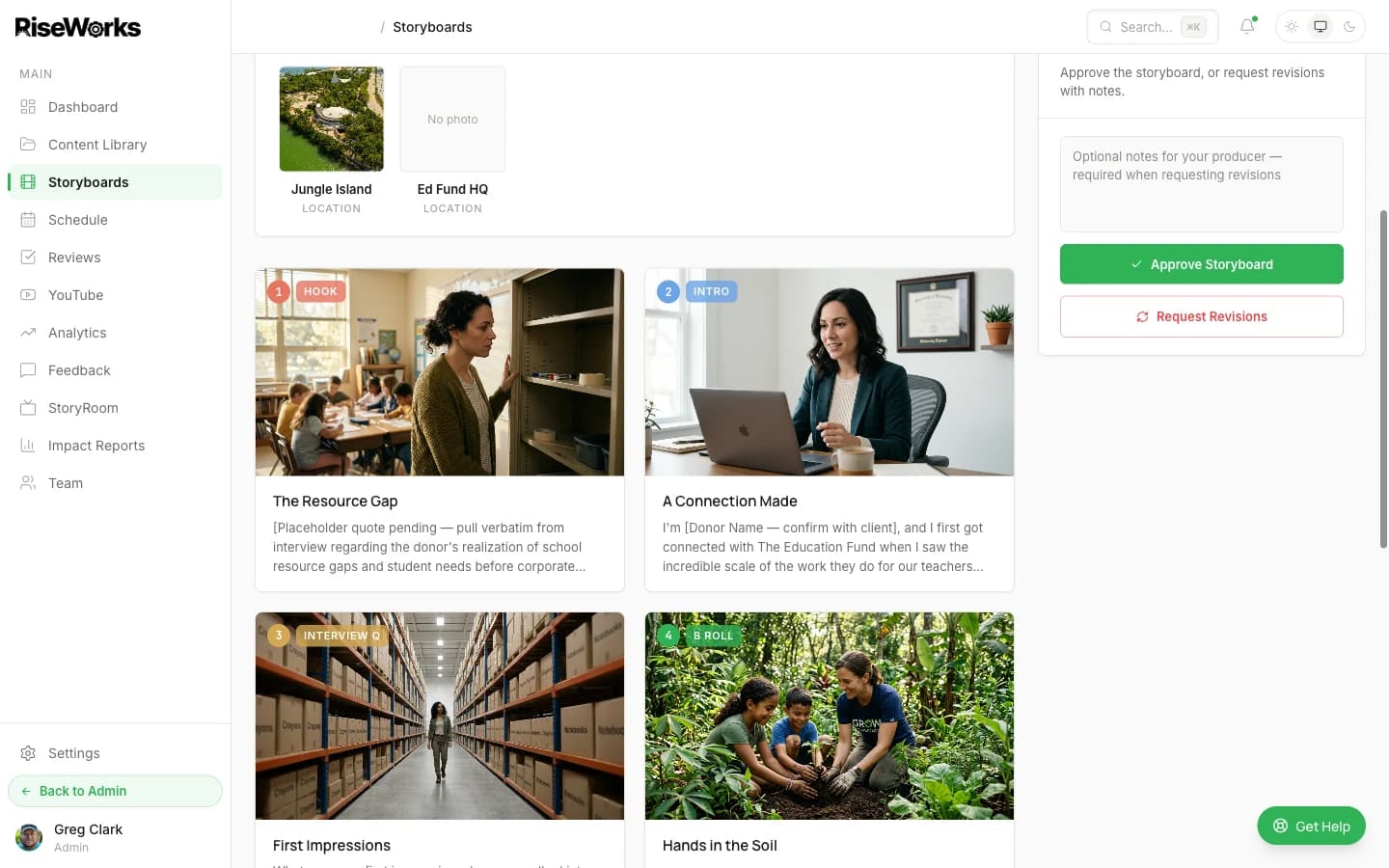
Lifelike compositions for grounded, journalism-style narratives
Use Cases
Built for How You Actually Work
Interview shows
Plan the full shoot — guest positioning, B-roll moments, question flow — before your guest arrives.
Event content
Map your coverage plan before the gala — where to be, who to capture, what moments matter most.
Donor spotlights
Visualize the story before shoot day. See locations, interview angles, and narrative arc in advance.
Series development
See what episode 1 looks like before committing to a format. Test story angles and pacing up front.
Included With Every Subscription
Every RiseWorks Subscription Includes Storyboard
No add-on fees. No per-storyboard charges. Your creative team uses it to plan every shoot — and you see the results before production day.